The toolsOne act at a time
Every tool is an act.
Each one does one thing, all the way. One is out, the next is on its way, and they all live in one library.
A label of small, playable tools for DaVinci Resolve and Premiere Pro, made on real shoots by filmmaker Sem Polak.
Free · Act I included with 6 looks · macOS 13 or later
On a real shoot by filmmaker Sem Polak · drag to compare
Each one does one thing, all the way. One is out, the next is on its way, and they all live in one library.
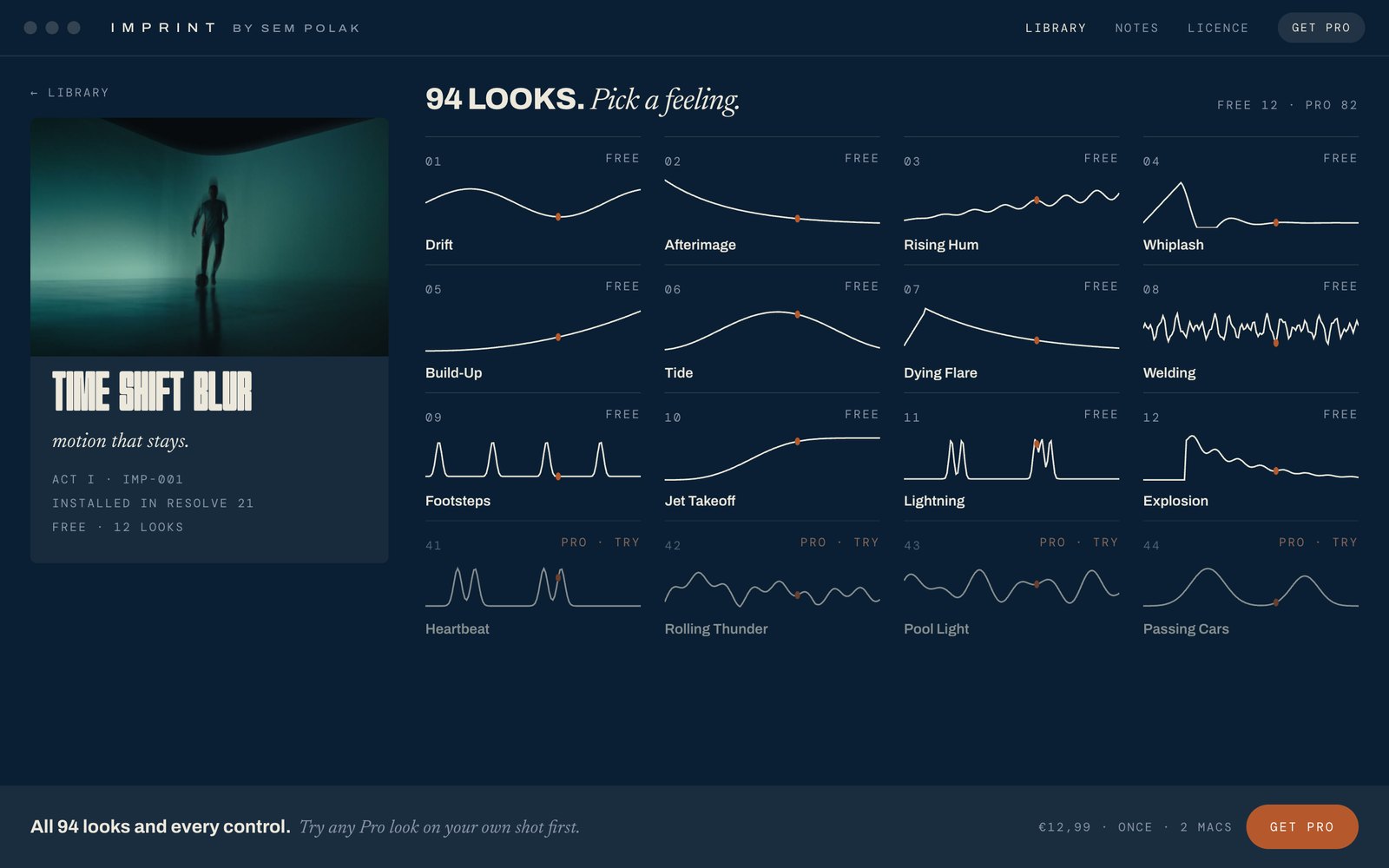
Every movement leaves a trace. Time Shift Blur pulls the frames just behind it into the present.
Every look starts with something nature already does: how light stays in your eye, how water pulls back, how a sound builds. We don't explain them. You'll recognise them.
The free looks are yours to keep. The free version is the look, nothing to set. When you want every look and every control, Pro is one payment. No subscription, no clock. Upgrade from inside the app in one click.
One free app installs every tool in Resolve and Premiere, and keeps them up to date.
 ImprintWhere it all lives
 The pluginTime Shift Blur
Imprint for Mac is not the effect. It's the shelf the effects live on. It puts each tool into DaVinci Resolve and Premiere Pro, keeps them up to date, holds your licence, and tells you when a new act is out. The looks themselves you use in your editor, like any other effect.
Install, update, licence
Effects › Sem Polak
Pick a look, done
Every tool keeps being worked on after it's out. Updates arrive through the library, free, and your projects keep working.
Better performance with every update, so it plays back while you edit.
New effects and looks are added to the tools you already have.
We read every message. Tell us what you'd change, and it can end up in the next update. Write to us.
Every act is announced to the list before anywhere else, with the story of how it was made. Join now and get one look that only the list has.
 Bonus look · First press only
No spam. Leave with one click.